 ClickScanner
Scan, sign, and organize documents in seconds.
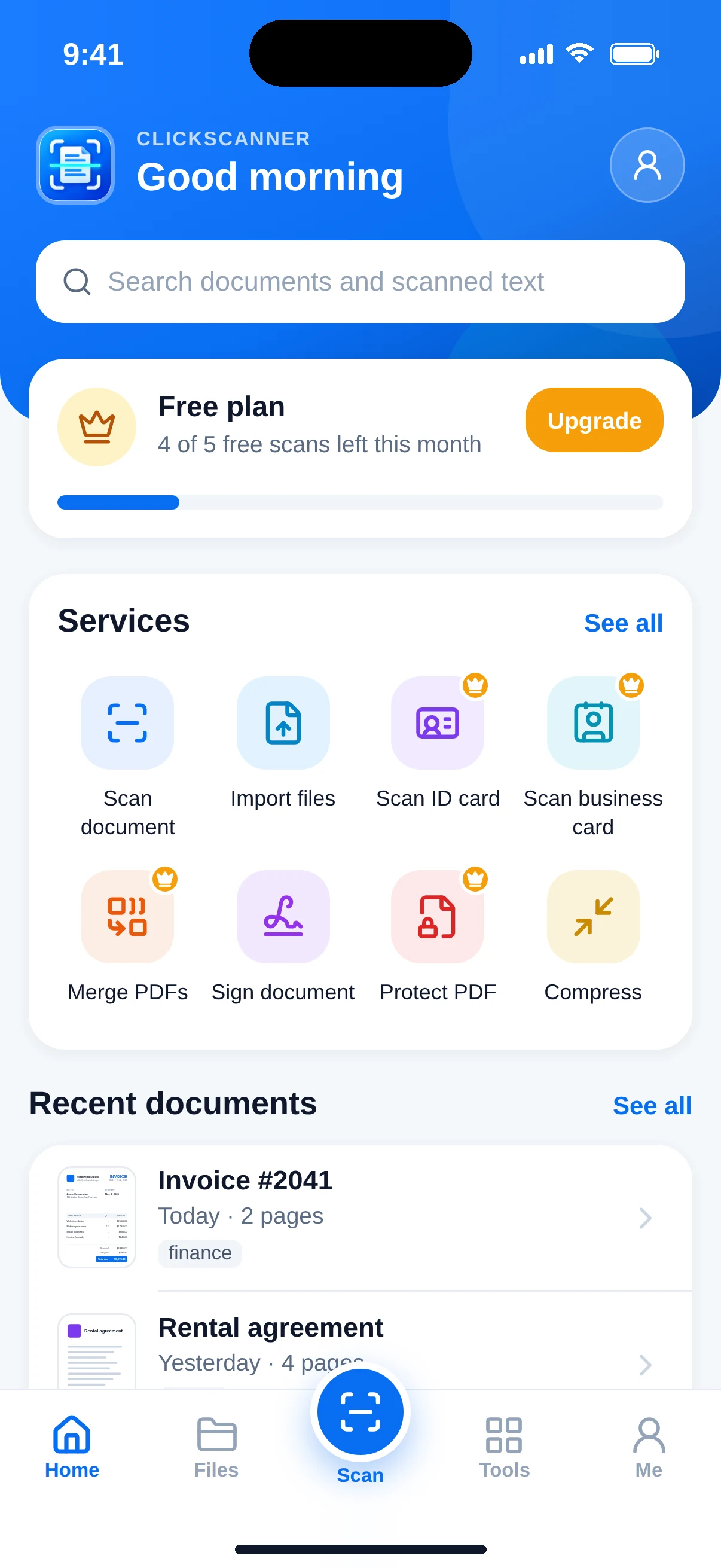
ClickScanner turns your phone into a document scanner: capture or import pages, copy the text from any scan, sign any page, and share PDFs in seconds — all stored on your device.
The iOS and Android apps are coming soon · Free to start, no account needed.
From paper to PDF in four steps
A simple flow that gets you from a messy stack of paper to an organized, searchable document.
Capture or import
Scan with your camera — edges are found automatically — or bring in PDFs and photos you already have.
Enhance
Perspective is corrected and straightened, with filters to sharpen text.
Organize & sign
Add pages, reorder, sign any page, and file documents into folders — every word is searchable.
Export
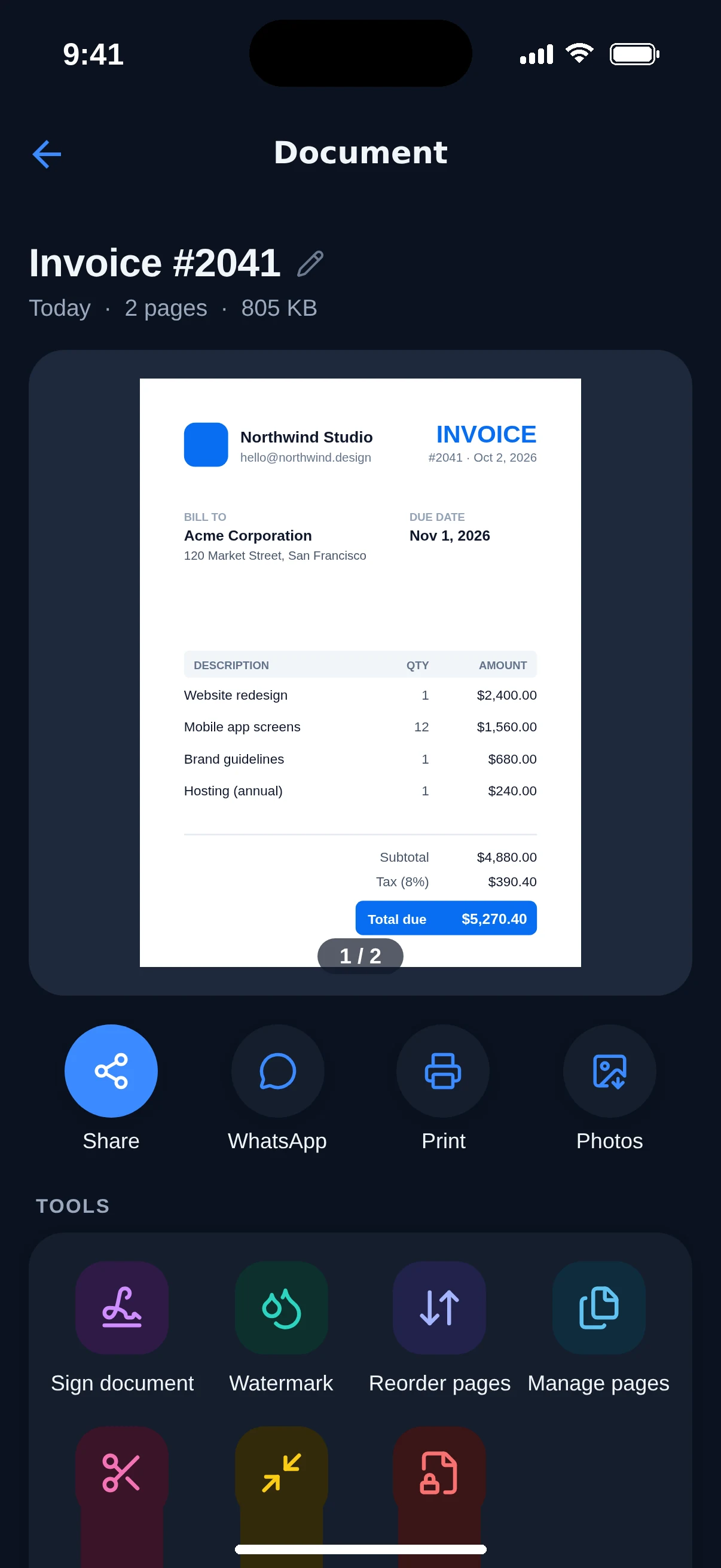
Share as a PDF, a JPG, or plain text — or print it and save pages to Photos.
Everything you need to go paperless
From quick one-off scans to full document management, ClickScanner covers the whole workflow.
Smart capture
Automatic edge detection and perspective correction, with color and black-and-white filters and draggable corners when you need them.
Import PDFs & photos
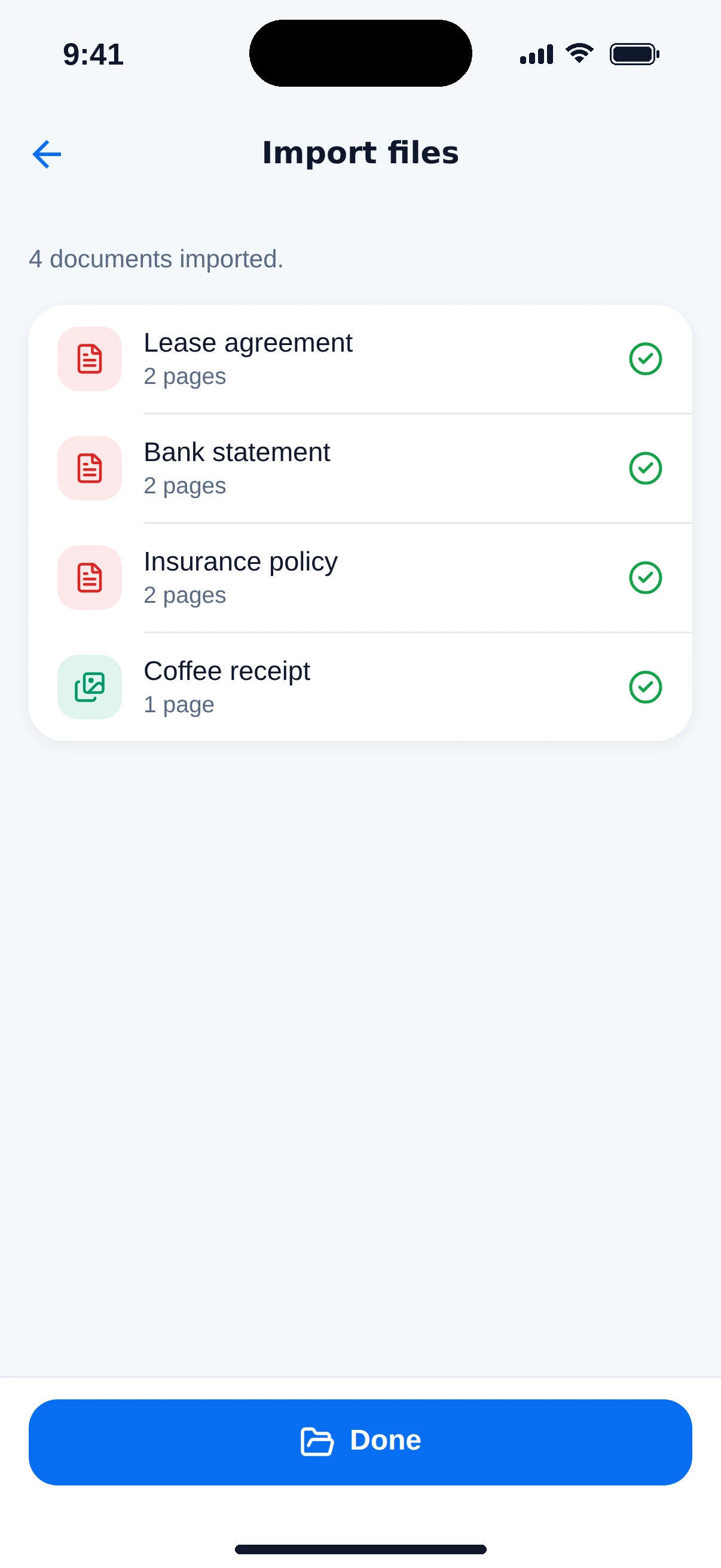
Bring in files from Files, iCloud Drive or Google Drive, review your picks, and turn them into searchable documents.
Copy text from scans
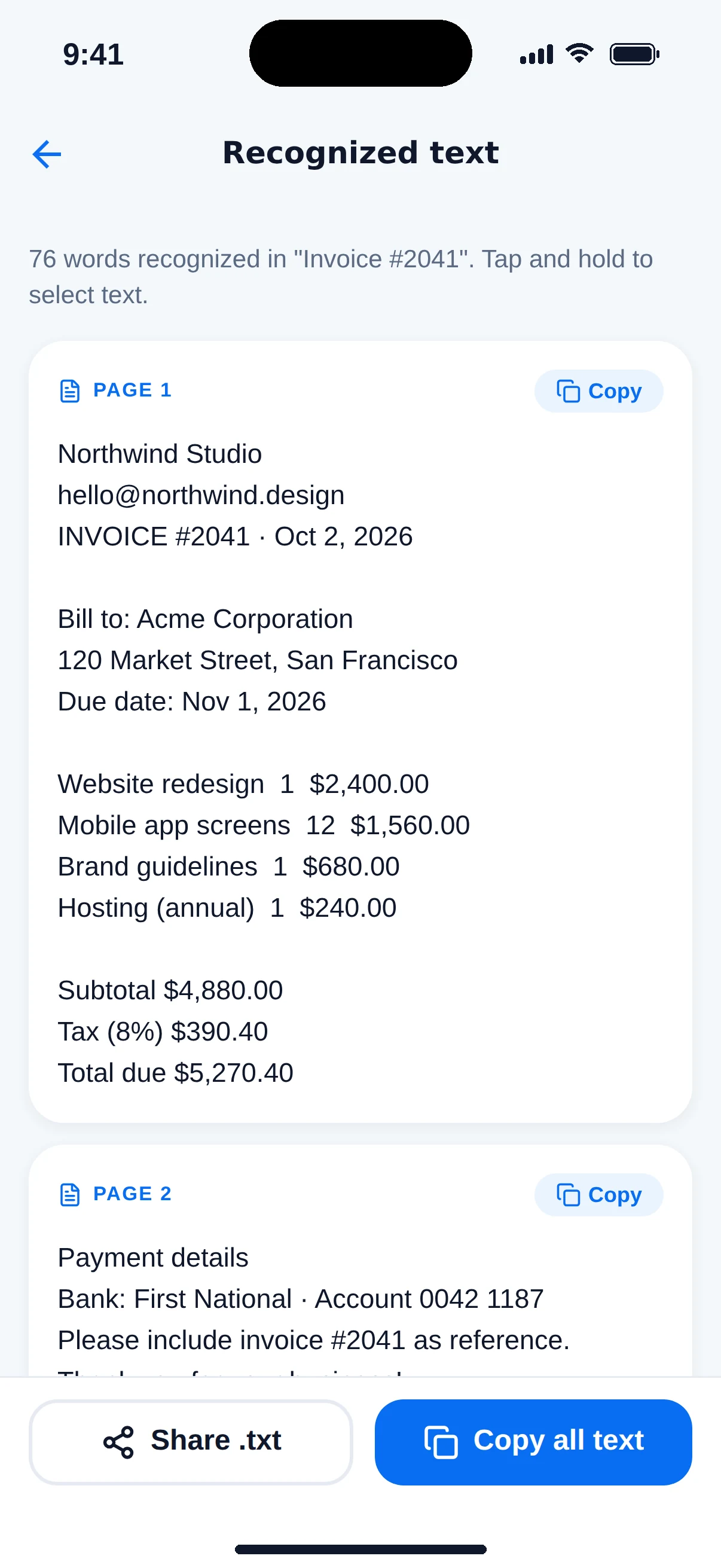
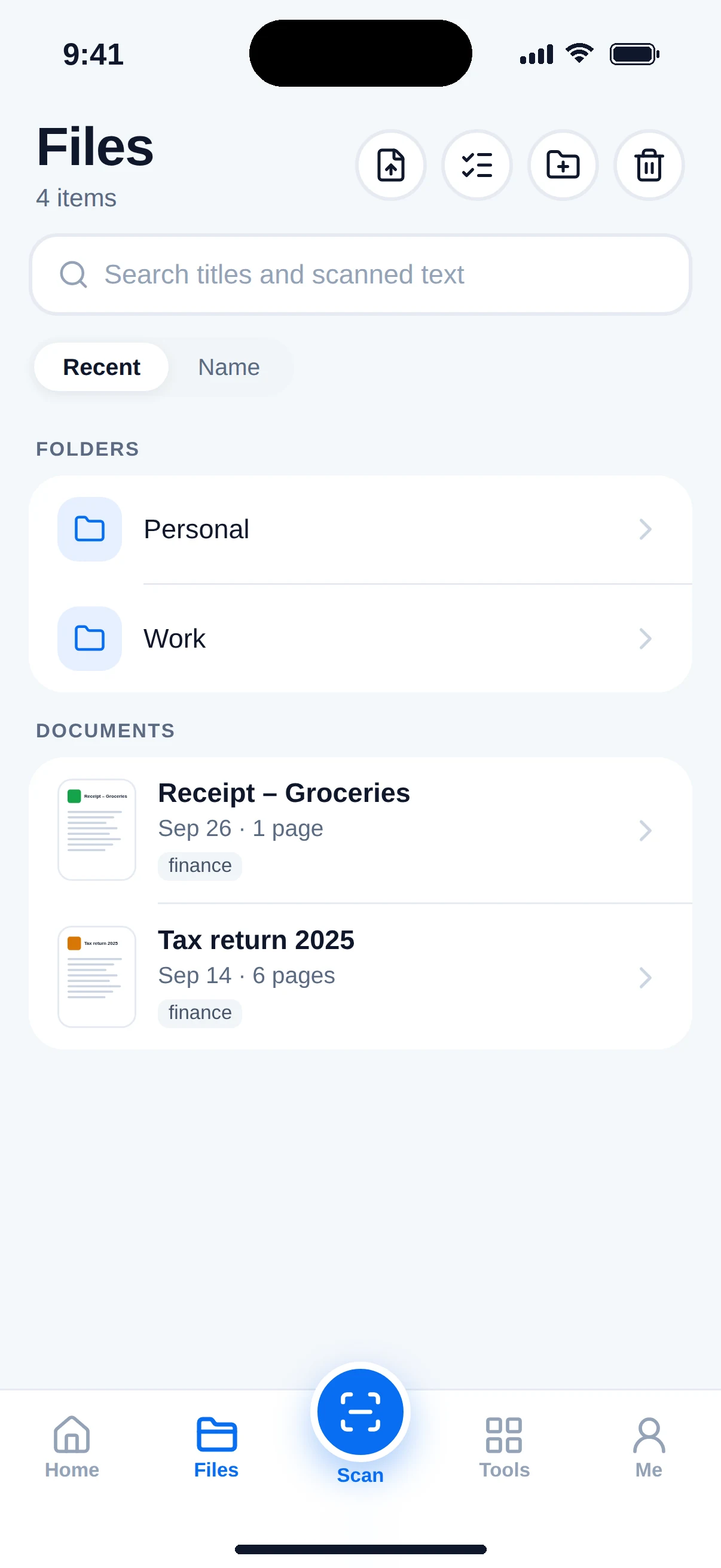
Text is recognized on your phone as you scan. Copy a page or all of it, and find scans by what they say.
Sign any page
NewDraw a smooth signature in your choice of ink, add the date, then drag and resize it on whichever page you're viewing — and move it later.
ID card scanning
PremiumScan both sides of an ID, license, or passport — automatically combined into one page.
Business card & whiteboard modes
PremiumPurpose-built capture modes with auto-capture tuned for each use case.
PDF toolkit
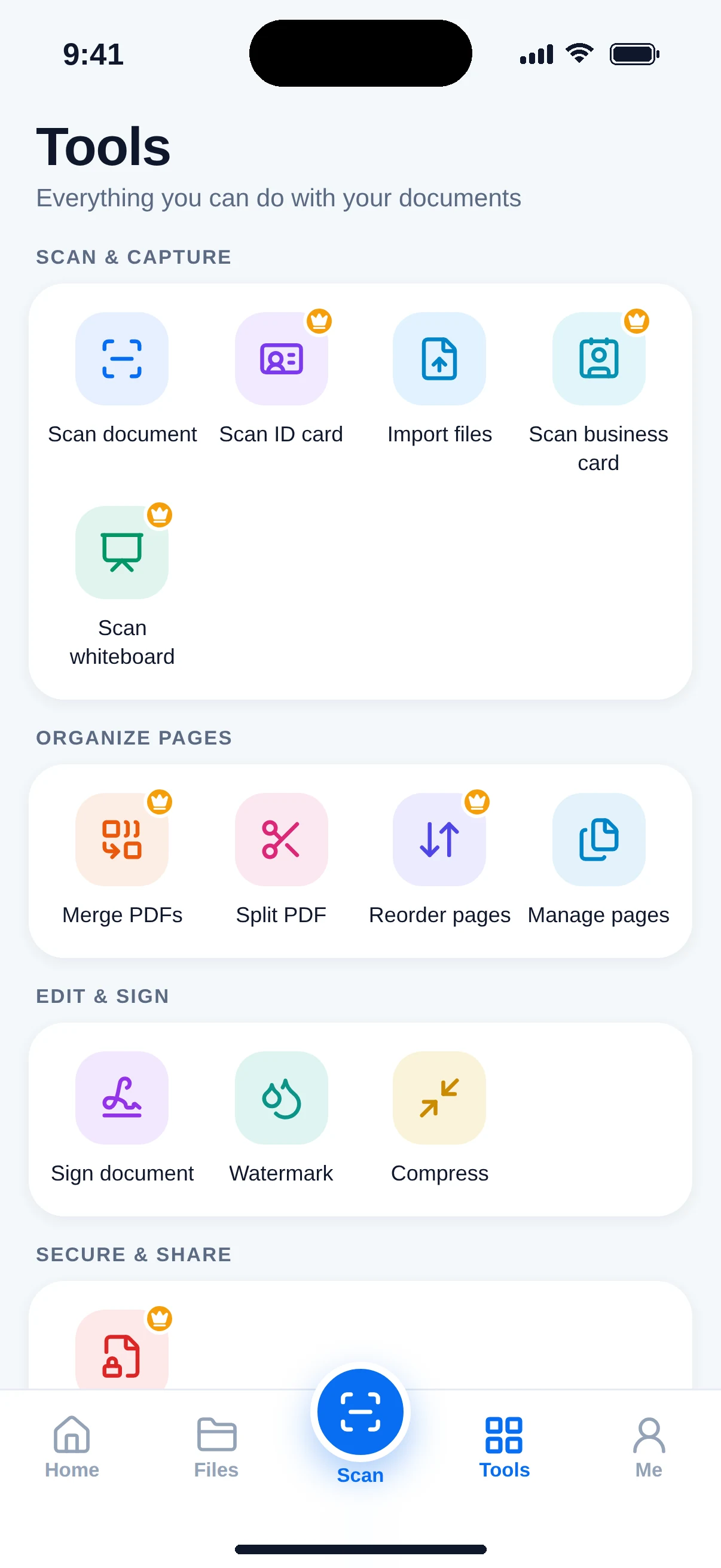
Split, manage pages, watermark, compress and sign for free — plus merge, reorder and password protection with Premium.
Export your way
Send a PDF, a page as JPG, or the text as .txt through WhatsApp, email or the share sheet — print it, or save pages to Photos.
Dark mode
A full dark theme that follows your phone, or pick Light or Dark yourself.
Private by default
No account needed. Your scans stay on your device, and you can lock documents with Face ID or fingerprint.
More ways to work with your documents
Copy text from any scan
Every page is read as you scan it. Open the text to copy a quote, an address or a total, without retyping a thing.
- Copy one page or the whole document
- Share the text as a .txt file
- Search your library by the words inside
Bring in the files you already have
Pick PDFs and photos from your phone or cloud drives. ClickScanner turns them into documents you can sign, split, search and share.
- Review your picks and untick any before importing
- Each PDF becomes its own document
- Photos picked together become one document
- Text is recognized on every imported page
Easy on the eyes, day or night
A carefully tuned dark theme for late-night paperwork. It follows your phone by default, or set it once under Me → Appearance.
- System, Light or Dark
- Documents keep their true colors
- Every screen, from camera to paywall
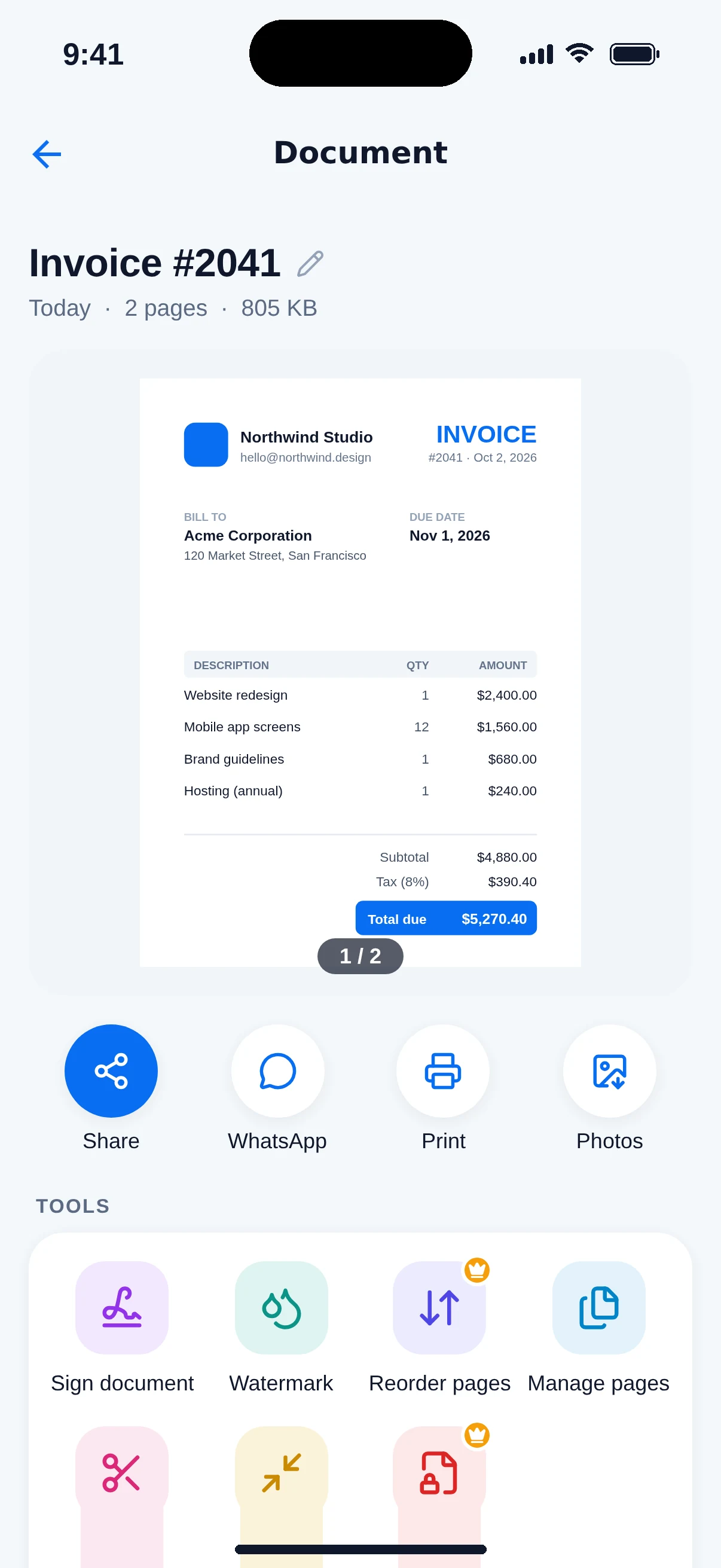
See it in action
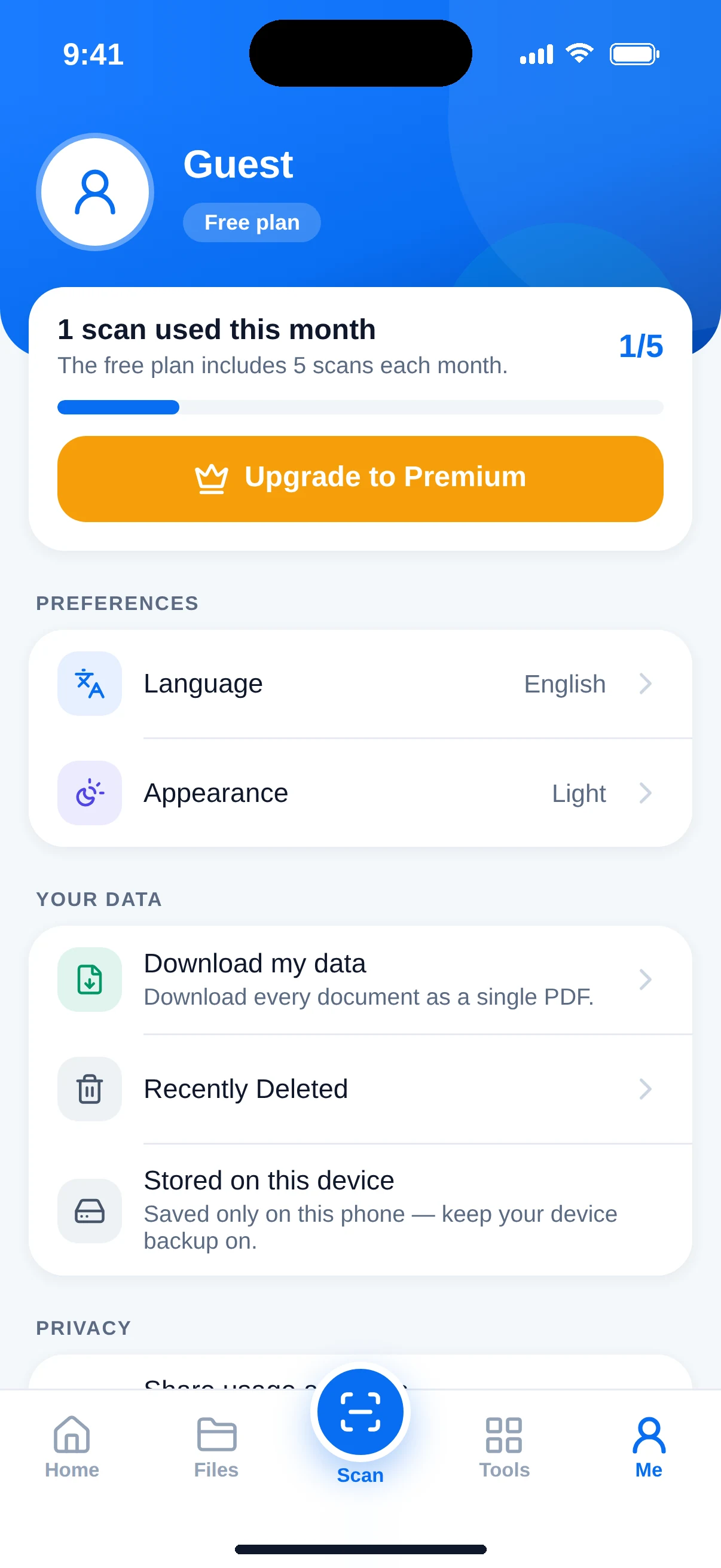
Real screens from the app — switch between light and dark.
Simple pricing
Start free. Upgrade whenever you need more.
Free
$0
- ✓15 scans or imports per month
- ✓5 signatures per month
- ✓Multi-page PDFs, text search & copy
- ✓Export as PDF, JPG or text
- ✓Dark mode
- ✓Ad-supported
Premium
Best value$39.99/yr
3-day free trial
- ✓Unlimited scans
- ✓ID card scanning
- ✓Auto-capture, business card & whiteboard modes
- ✓Merge & reorder PDFs
- ✓Password-protect PDFs
- ✓Unlimited document signing
- ✓Remove the ClickScanner watermark
- ✓No ads
Coming soon to iPhone and Android
Free to try, with a Premium upgrade whenever you need it. Questions before launch? hello@clickscanner.io